Fortnite Pro cover artPRO
  • PlatformWindows PC
  • DeliveryKey by email
  • CheckoutSecure payment

Fortnite Pro cheat.

UndetectedUpdated 16 days agoCheat status

Our Fortnite cheat. Check its status, then pick your key.

Demo build

Windows PC

Grab the demo archive and try it before anything else. No key and no payment.

Free demo build for this product.
Questions before you buy?Ask about compatibility, setup or access.
Live preview

See Fortnite Pro in action.

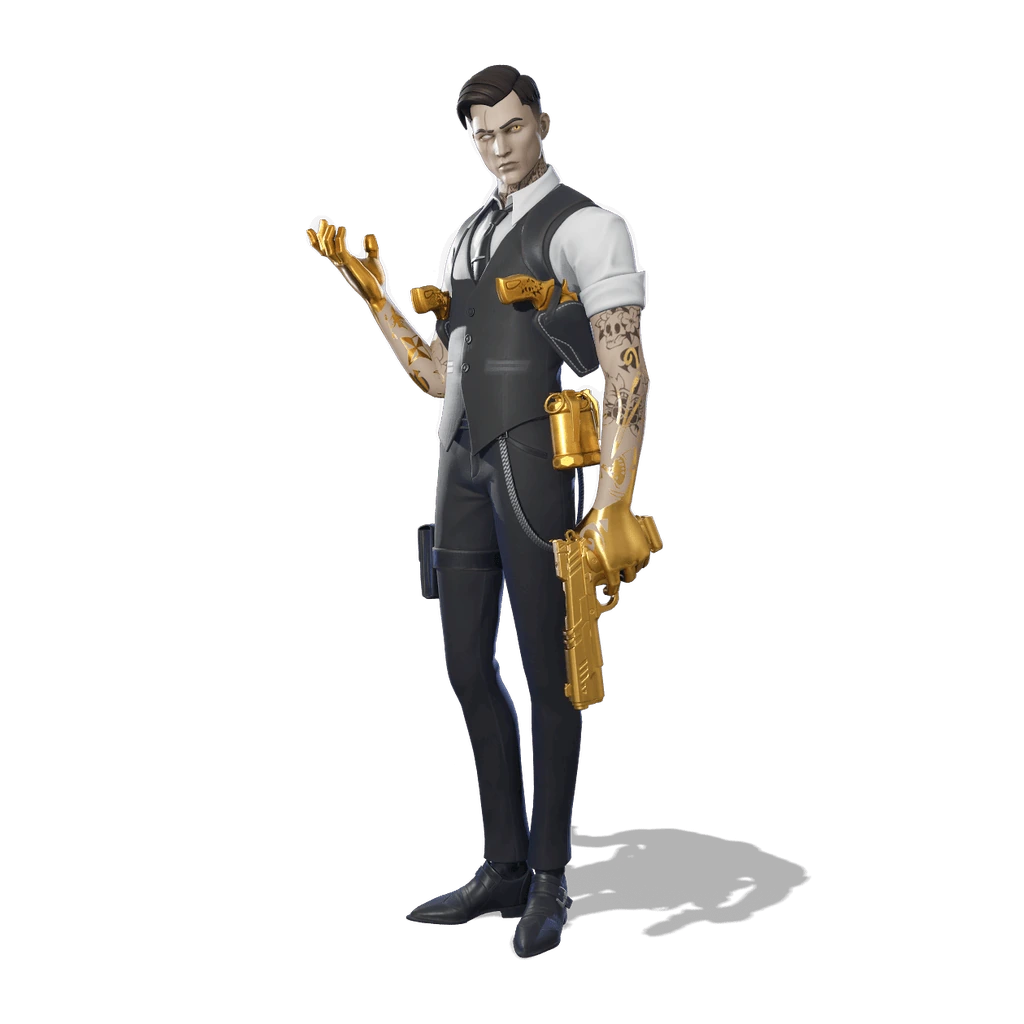
Midas from Fortnite, previewing the Fortnite Pro cheat overlay

Interactive preview. Move over the stage to aim; overlays vary by cheat.

Full feature list

65 features in Fortnite Pro, grouped by what they do.

Overview6

  • Aimbot
  • Silent aim
  • Magic bullet
  • ESP
  • Exploits
  • Tournament ready

System Requirements & Core Info6

  • Compatible with all Windows versions
  • AMD & Intel processor support
  • Streamproof technology supported
  • Built-in Silent Aim
  • Built-in Magic Bullet
  • Built-in Pickaxe Teleport

Combat & Targeting11

  • Aimbot Master Switch — Enable the primary targeting system
  • Silent Aim — Unnoticeable targeting assistance
  • Magic Bullet — Projectiles track directly to targets
  • Wall Penetration — Shoot enemies through solid objects
  • FOV Ring — Visualize the targeting radius
  • Target Prediction — Anticipate enemy movement
  • Triggerbot — Automatic firing on target
  • Visibility Filter — Target only visible enemies

Exploits & Movement5

  • Magic Bullet (Exploit) — Enhanced projectile tracking
  • Magic Bullet Radius — Adjust the tracking sphere
  • POI Teleports — Instantly travel to specific map zones
  • No Spread — Eliminate all bullet dispersion
  • Pickaxe Teleport — Teleport directly to targets using your pickaxe

Visual Overlays (Player ESP)9

  • Spectator Tracker — Show who is watching you (Name, Platform, Count)
  • Bounding Boxes — Draw boxes around players
  • Skeleton View — Render player bone structures
  • Name Tags — Display player usernames
  • Range Readout — Show distance to players
  • Weapon Display — Show what enemies are holding
  • Snaplines — Draw lines from you to enemies
  • Head Marker — Highlight the head hitbox

ESP Customization & Styling5

  • Max ESP Distance — Limit how far visuals render
  • Box Thickness — Adjust the weight of ESP boxes
  • Bone Thickness — Adjust skeleton line weight
  • Snapline Thickness — Adjust line thickness
  • Full Color Editor — Customize colors for Boxes, Skeletons, Names, Distances, Snaplines, Chams, Weapons, Crosshair, and FOV Ring.

World & Loot ESP5

  • Loot Display — Filter by rarity: Common, Uncommon, Rare, Epic, Legendary, Mythic
  • Chest Finder — Highlight all chests
  • Llama Finder — Highlight supply llamas
  • Vehicle ESP — Highlight all vehicles
  • Max World Distance — Set render range for world items

Radar System5

  • Radar Toggle — Enable the minimap radar
  • CrossRadar — Display a crosshair-based radar
  • Distance Readout — Show player distances on radar
  • Radar Range — Adjust radar scan radius
  • Loot Radar — Show loot by rarity on the radar

Weapon Specific Configuration4

  • Per-Weapon Profiles — Save custom settings for each gun
  • Weapon Classes — Separate settings for Snipers, SMGs, ARs, Shotguns, and more
  • Weapon-Specific FOV — Unique FOV for each weapon
  • Weapon-Specific Smoothing — Unique aim speed for each weapon

Menu & Interface Settings9

  • ImGui Menu — Toggle the main interface
  • VSync — Enable/disable vertical sync
  • Watermark — Display on-screen branding
  • FPS Counter — Monitor performance
  • Lobby ESP — Keep visuals active in the pre-game lobby
  • Custom Crosshair — Enable a personal crosshair
  • Crosshair Length — Adjust the size
  • Crosshair Thickness — Adjust the weight

Requirements

  • Windows 10 or 11 (all versions)
  • AMD or Intel processor
  • Runs on Easy Anti-Cheat and BattlEye servers

Setup support

Every order includes setup steps. If something doesn’t look right, the setup notes walk you through it.